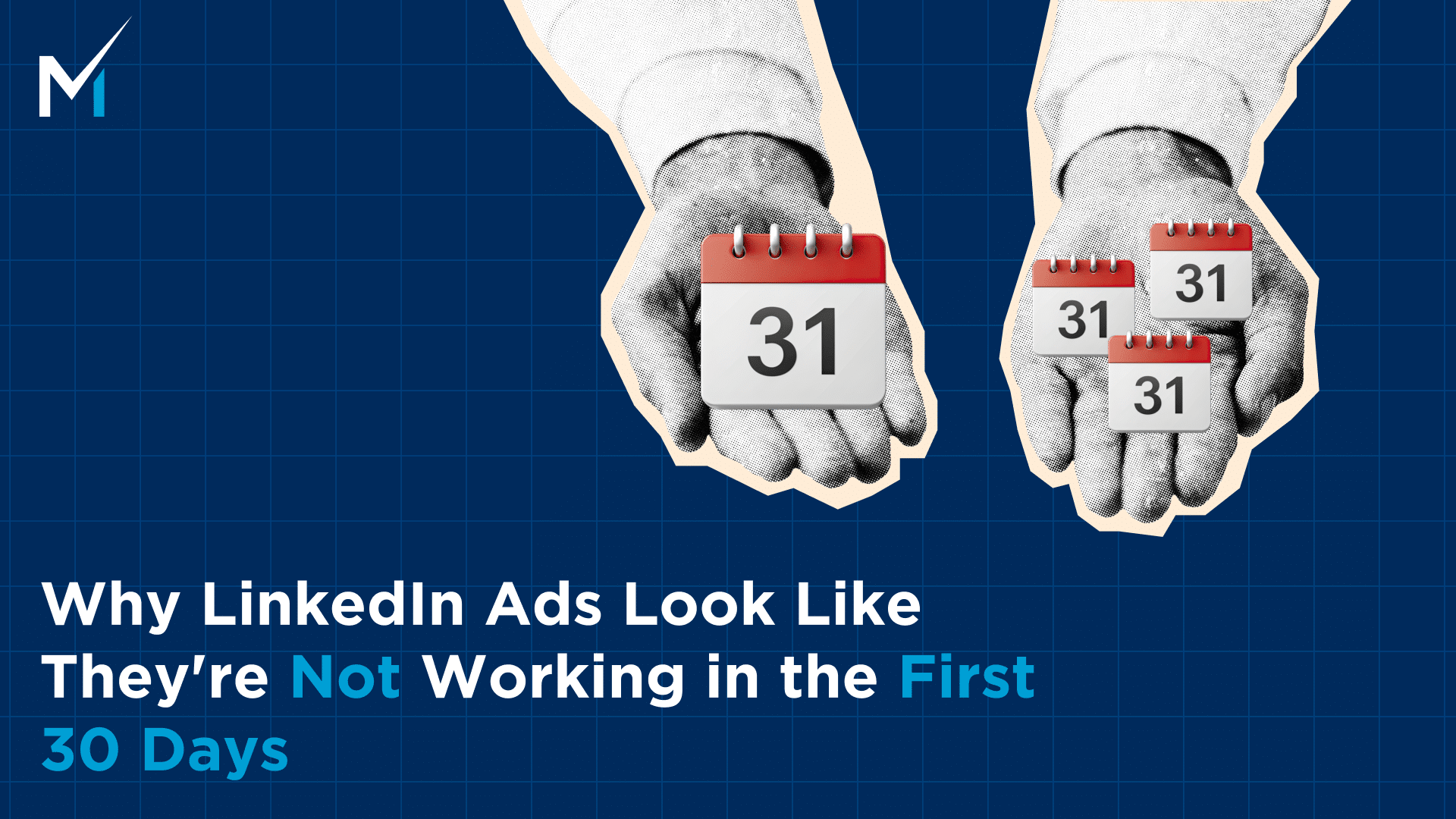
TL;DR: A 0.3x–0.8x ROAS at day 30 isn’t a sign that LinkedIn ads aren’t working — it’s the expected range for every new program. The sales cycle hasn’t had time to close. This article covers what to actually look at in month one, which settings are silently eating your budget, and how to tell normal from actually broken.
Your LinkedIn ads are probably working.
You just can’t see it yet.
That’s not a consolation — that’s what the data looks like at day 30 for almost every new LinkedIn advertiser. Understanding the difference between “this isn’t working” and “this hasn’t had time to work” is what separates programs that get cut early from ones that compound into real pipeline.
We’ve watched this play out more times than I can count. A new advertiser launches, runs for 3 or 4 weeks, checks the CRM, sees quiet numbers, and starts asking whether to pull back. The instinct makes sense — you’re spending real money and the return isn’t visible yet.
But it’s not visible yet because the sales cycle hasn’t had time to close. Not because something’s broken.
The ROAS Curve Nobody Shows You Before You Start
| Timeframe | Typical ROAS | What’s Actually Happening |
| 30 days | 0.3x–0.8x | Data collection — building audience, retargeting pools, early influence |
| 90 days | 0.8x–1.5x | Approaching break-even; month-one influenced accounts starting to close |
| 180 days | 1.5x–3.5x (median) | Full picture — mature retargeting, warmed audiences, complete sales cycles |
If your sales cycle is 90 days and you started running ads on day one, the absolute earliest a LinkedIn-influenced deal can close is day 90. Any report you pull before then is measuring an incomplete picture. The CRM doesn’t show intent. It shows closed deals.
The mistake isn’t running LinkedIn ads. The mistake is measuring a 6-month channel with 30 days of data and making permanent decisions from what you find.
What to Actually Look at in the First 30 Days
You can’t measure closed revenue yet. But you’re not flying blind. These signals tell you whether the program is set up right.
Audience Composition
Pull your campaign demographics in Campaign Manager. Look at who’s actually seeing your ads — job titles, seniority levels, company sizes, industries. Does it match your ICP?
If you’re targeting VP-level buyers at SaaS companies with 200–1,000 employees and your breakdown shows heavy individual contributor traffic outside that size range, you have a targeting issue. Fix it now, not at month three.
Impression Frequency
The benchmark is 6–10 impressions per person per month. Below 6 and you’re invisible. Above 15–20 and you’re burning out the same people and wasting spend.
If you’re well below the lower end: either your audience is too large for your budget, or your budget is too small for your audience size. The minimum budget guide explains the audience-to-spend math in detail.
Engaged Accounts
In Campaign Manager, you can see which company accounts are engaging with your ads — seeing them multiple times, clicking through, visiting your site — even before anyone fills out a form. These are your warm accounts. Some will convert in month 2 or 3.
Tracking this list month over month gives you a leading indicator of pipeline that the CRM won’t show for weeks. If you’re running account-based targeting alongside your broader campaigns, leveraging LinkedIn ads for ABM covers how to make this signal even more useful.
CPL vs. the Cold Benchmark
| Vertical | Normal Cold CPL (Month One) |
| B2B SaaS | $300–$600+ |
| Professional services | $250–$500 |
| Enterprise technology | $400–$700+ |
| Financial services | $200–$450 |
If you’re inside these ranges, the funnel is converting at a normal rate for this stage. If you’re 2–3x the top of the range for 4+ weeks, something specific is broken — the fix is to diagnose it, not pause.
Not sure if your month-one numbers are normal or actually broken? Book a strategy call — it usually takes 20 minutes to tell the difference.
The Three Campaign Settings Quietly Eating Your Budget
Before you conclude month-one results are “just how LinkedIn works,” check these defaults. LinkedIn ships campaigns with settings that drain budget from your real target audience.
| Setting | LinkedIn Default | What It Actually Does | Action |
| Audience Network | On | Extends reach to third-party apps with low CVR | Turn off |
| Audience Expansion | On | Shows ads to “similar” audiences outside your ICP | Turn off |
| Bid strategy | Max Delivery | Spends full budget even on bad placements | Switch to Manual CPC or Target Cost |
These settings don’t just inflate costs — they distort your data. If Audience Network is driving half your clicks, your CPL looks artificially low while your actual ICP engagement is buried. Month-one data with these on isn’t a clean read on anything.
One more often-missed lever: not all hours are equally valuable. LinkedIn ads daypart reporting shows you when your audience is actually active — useful context once you have 30+ days of data to work with.
How the Retargeting Pool Actually Builds
Understanding why month two looks different from month one requires understanding what’s actually being built during month one.
- Weeks 1–2: Campaigns are running cold. No retargeting data yet. Every impression goes to someone in your target audience who’s never seen your brand on LinkedIn. CTR and CPL are at their highest because there’s no warm signal to optimize toward.
- Weeks 3–4: LinkedIn starts identifying who’s engaging — ad clicks, video views, form interactions. These people get added to your Matched Audiences and engagement lists. But the lists are still small. LinkedIn requires a minimum audience size (typically 300+) before it can serve to a segment effectively.
- Month 2: Retargeting audiences hit minimum thresholds. LinkedIn starts showing follow-up creative to people who engaged in month one. These audiences convert at dramatically lower CPL — typically $75–$250 vs. $300–$600 cold — because you’re reaching people who already know you. CPL on blended campaigns starts improving.
- Month 3+: Website visitor lists, video viewer lists, and Lead Gen Form opener lists all compound. People who visited your site from LinkedIn ads in month one are seeing ads again. The audience you’ve built is now bigger, warmer, and cheaper to reach than any cold prospect list.
This compounding is why pulling numbers at day 30 is always misleading. You’re measuring the cost before the compounding has started.
The 45-Day Inflection Point
If you’re watching week by week, you’ll usually see it around day 40–50: CPL starts dropping. Not dramatically, but the trend line changes. Warm audiences are hitting volume. Retargeting is running.
This is also the right time to check your creative rotation. By week six, your initial creative has had enough impressions to start fatiguing — especially if your audience is under 20,000 people. Engagement rates drop. LinkedIn’s relevance score falls. CPC goes up. If you haven’t rotated in a new variation by day 45, you’re paying more for the same (or fewer) clicks.
The rule of thumb: rotate at least one creative element every 4–6 weeks. Headline, image, or CTA — not necessarily all three. Keep what’s working. Replace what’s fatiguing.
And if your frequency is above 15–20 impressions per person per month, rotate sooner. High frequency with stale creative is the fastest way to spike CPMs.
Actual Red Flags vs. Normal Month-One Noise
| Signal | Red Flag? | What to Do |
| CPL inside cold benchmark | No — this is normal | Stay the course |
| CPL 2–3x the cold benchmark for 4+ weeks | Yes | Diagnose: audience, creative, or landing page |
| CTR below 0.3% for 2+ weeks | Yes | Swap creative, change the headline, test a new format |
| Zero engaged accounts after 4 weeks | Yes | Check targeting first, then Audience Network settings |
| Audience size under 20,000 | Yes | Widen audience or reduce budget to match |
| ROAS below 1x at day 30 | No — this is expected | See the ROAS curve above |
For more context on how CPL benchmarks compare to a mature, warmed-up program, how CPL evolves from cold to warm covers the full picture. For ad format choices that affect CTR, all 14 LinkedIn ad formats breaks down which formats perform best for cold vs. retargeting audiences.
The One Report to Pull Before You Make Any Decisions
Before you change your budget, pause campaigns, or walk into a “LinkedIn isn’t working” meeting — pull the Revenue Attribution Report in Campaign Manager.
Go to: Campaign Manager → Reporting → Revenue Attribution Report
This shows which accounts in active pipeline have engaged with your LinkedIn ads, regardless of click attribution. For new advertisers, this number is almost always higher than click-attributed pipeline — sometimes dramatically so.
We had a client 4 weeks in who was ready to cut the entire program. Click-attributed pipeline was zero. The Revenue Attribution Report showed 11 companies already in active pipeline that had engaged with the ads before the deal was created. The program was working. The CRM just couldn’t see it.
More on how that gap works and how to explain it to leadership: click attribution is lying to you. And if you want to close the gaps that pixel tracking misses, what is LinkedIn Conversion API (CAPI)? covers the more precise setup for longer sales cycles.
What Normal Actually Looks Like at Week 4
To make this concrete: here’s what a healthy month-one LinkedIn program looks like, by the numbers.
| Metric | Healthy Range | Concern If… |
| CPL | Within vertical cold benchmark | 2–3× above benchmark for 4+ weeks |
| CTR | 0.3%–0.8% | Below 0.3% for 2+ weeks |
| Impression frequency | 6–10× per person per month | Below 6 or above 20 |
| Engaged accounts | Growing week over week | Flat or zero after 3 weeks |
| Click-attributed pipeline | Low or zero | N/A — expected at this stage |
| Influenced pipeline | Beginning to appear | Zero after 6+ weeks with active pipeline |
A week-4 report with a $480 CPL, 0.5% CTR, 8× frequency, and 14 target accounts engaging with ads is a healthy program. The CPL looks expensive in isolation. In context — cold benchmark for the vertical is $400–$600, targeting is clean, accounts are warming — it’s exactly on track.
What would actually be a problem at week 4: CTR at 0.2% for three weeks straight (creative isn’t landing), zero engaged accounts (targeting is likely off), or CPL at $1,200 with no explanation (check Audience Network and Audience Expansion settings first).
What the Month-One Report Should Actually Say
Don’t walk into a month-one review with just a CPL number. Here’s the full picture:
- Audience health — who’s seeing the ads, at what frequency, whether demographics match ICP
- Engagement signals — engaged accounts list, repeat visitors, any target accounts in the mix
- Pipeline influence — click-attributed pipeline + influenced pipeline from Revenue Attribution Report, side by side
- Timeline context — first closed-won deal from LinkedIn will appear between day 60–180 depending on sales cycle; the program is on schedule
That’s a report leadership can trust. And it’s the report that keeps the budget intact long enough for the program to prove itself.
Give It the Runway the Math Requires
The companies that succeed on LinkedIn aren’t running better creative than everyone else.
They’re just not panicking at day 30.
A 0.4x ROAS at day 21 is exactly where you should be. Check the right signals, fix what’s fixable, and give the channel the 90–180 days that the sales cycle actually requires.
If you haven’t confirmed your deal size and budget can support a full program, the revenue model gives you the verdict on your specific numbers.
And if you want to talk through what your month one looks like and whether what you’re seeing is normal,book a call and we’ll go through it together.