How to See Every Ad Your Competitors Are Running (LinkedIn, Meta, Google)
Pull competitor ads from LinkedIn, Meta and Google in 15 minutes a week — where to look, who to track, and exactly what to log from each ad.
07/28/2026
TL;DR: Three free public libraries — LinkedIn's Ad Library, Meta's Ad Library, and Google's Ads Transparency Center — show you every ad a company is running, no login required. Sweeping all three takes about fifteen minutes a week. Most B2B teams check one, or none, and then guess at what the category is saying.
Your competitors' ads are public. Every one of them.
Not "leaked," not "estimated by a tool," not sitting behind a $400/month subscription. Public, free, no login, published by the platforms themselves because regulators made them. And when we went back through a season of discovery call summaries, the number of prospects who could describe what their competitors' ads actually say was close to zero.
So here's the whole sweep — all three libraries, what each one is good for, how long it takes, and what to write down.
Where Can You See Your Competitors' Ads?
Three public libraries cover essentially all of B2B paid media:
Platform | Where | Login required | Best for |
|---|---|---|---|
LinkedIn Ad Library | linkedin.com/ad-library | No | B2B messaging, offers, formats |
Meta Ad Library | facebook.com/ads/library | No | Creative volume, testing velocity, retargeting angles |
Google Ads Transparency Center | adstransparency.google.com | No | Search copy, display creative, YouTube |
All three exist because of ad transparency regulation. None of them show spend or performance for standard commercial advertising. What they show is creative, advertiser identity, and rough date ranges — which is exactly enough for messaging research and nowhere near enough for benchmarking.
How to Pull a Competitor's LinkedIn Ads
Two routes, thirty seconds each:
- Go to linkedin.com/ad-library, search the company name, and filter by country and date range.
- Or open the company's LinkedIn page and click the Ads tab.
Route one is for finding advertisers you didn't know about — search a category keyword instead of a company name and you'll surface competitors nobody on your team has mentioned. Route two is for checking a list you already maintain.
One retention rule to keep in mind: ads stay in the library for a year after their last impression, so a full page of ads isn't proof of current activity. Check dates before you draw conclusions.
Why Check Meta's Ad Library for a LinkedIn-Only Client?
Because Meta is where B2B companies test creative before they can afford to test it on LinkedIn.
LinkedIn CPMs run roughly $31–$34 for standard B2B audiences and $45–$60 for senior enterprise targeting, based on what we see across our accounts. Meta's are a fraction of that. So a lot of B2B teams — including good ones — run creative experiments on Meta first and promote the winners to LinkedIn. Which means Meta's library often shows you a competitor's next LinkedIn campaign, six weeks early.
Three things Meta's library gives you that LinkedIn's doesn't:
- Volume. Cheap impressions mean more variants. You'll often see ten creative angles on Meta where LinkedIn shows two.
- Testing velocity. Ads appearing and disappearing quickly tells you a team is actively iterating, not coasting.
- Retargeting and offer structure. Consumer-style funnels are more visible here — you can see the lead magnet, the follow-up angle, the urgency play.
Go to facebook.com/ads/library, set the country and category filters, search the advertiser. Note that only political and issue ads carry spend and impression ranges — for commercial B2B ads you get creative and run dates, same as LinkedIn.
What the Google Ads Transparency Center Adds
Google's Ads Transparency Center covers verified advertisers across Search, Display, and YouTube. Search the advertiser and you'll get their ads, formats, and the regions and date ranges they ran in.
For B2B, the highest-value pull here is search copy. Search ads are the most compressed statement of positioning a company will ever write — 30 characters, no images, no room to hide. If a competitor's LinkedIn ads say one thing and their search ads say another, the search ads are usually closer to what actually converts, because search copy gets optimized ruthlessly.
Display and YouTube creative is a bonus. Most B2B advertisers under-invest there, and an empty result is itself a data point about where their budget is going.
Who Should Actually Be on Your Competitor List?
This is where most sweeps go wrong. Teams monitor the three brands sales complains about and miss the ones actually competing for the same feed placement.
Build the list from four sources:
- The names sales loses to. Pull them from your CRM's closed-lost reasons, not from memory.
- The names buyers mention on calls. Different from the sales list more often than you'd expect — buyers compare you to companies you don't consider peers.
- Keyword search in the Ad Library. Search your category's core term and see who's actually buying attention in it. This is the step that finds the advertiser nobody on your team was tracking.
- Adjacent-category players. Anyone selling to your buyer for the same budget line, even with a different product. They're competing for the same attention and the same dollar.
Cap it at eight to ten. More than that and the sweep stops fitting in a weekly slot, which means it stops happening.
The 15-Minute Weekly Routine vs. the Quarterly Deep Dive
Two different jobs, two different cadences. Running the deep version weekly is how this habit dies by month two.
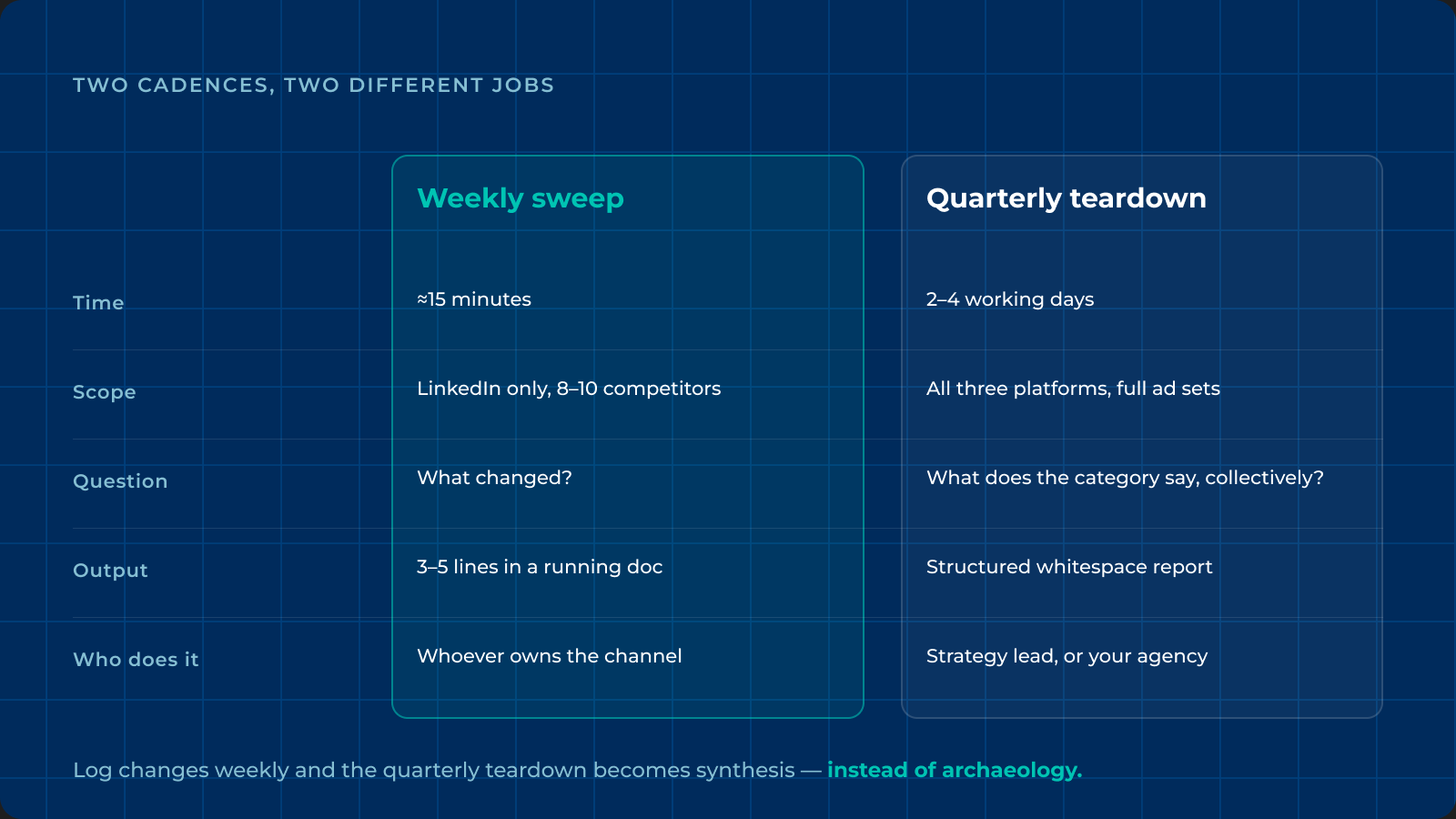
Weekly sweep | Quarterly teardown | |
|---|---|---|
Time | ~15 minutes | 2–4 working days |
Scope | LinkedIn only, 8–10 competitors | All three platforms, full ad sets |
Question | What changed? | What does the category say, collectively? |
Output | 3–5 lines in a running doc | Structured whitespace report |
Who does it | Whoever owns the channel | Strategy lead, or your agency |
The weekly sweep: open each competitor's Ads tab, scan for anything new since last week, note new claims or offers, flag anything that's crossed the eight-week mark. That's it. Don't analyze, just log. Fifteen minutes.
The quarterly teardown: the full four-part analysis — comparative overview, message saturation, positioning clusters, whitespace verdict. That's a genuinely different exercise. You're not asking what changed; you're asking what the entire category is collectively claiming, and which position it's left open.
The weekly log is what makes the quarterly version fast. If you've been noting changes all along, the teardown is synthesis instead of archaeology.
What Should You Log From Each Competitor Ad?
Keep it to five fields. Anything more and you'll abandon the spreadsheet by week three.
- Hook — the headline, verbatim. Not paraphrased. The exact words matter when you're counting saturation later.
- Offer — demo, gated report, free trial, webinar, calculator, discovery call.
- Format — single image, video, document, carousel, event.
- First seen / still running — two date columns. This is how you compute longevity without re-reading everything.
- Proof type — logos, stats, quotes, analyst reports, or none. "None" is a common and useful entry.
Copy the headline word for word. When you sit down to map saturation, the difference between "AI-powered outbound" and "autonomous outbound" is the kind of detail that decides where the whitespace actually is — and you will not remember it from a summary.
What If Your Competitors Aren't Running Any Ads?
It happens more than you'd think, especially in traditional industries — and it's genuinely good news, not a warning sign.
An empty category means nobody is warming the audience for you, so your messaging carries the full education burden. It also means cheaper attention and a compounding advantage for whoever shows up first.
Your research just shifts sources. Instead of ads, read:
- Competitor organic LinkedIn posts and company page activity
- Their homepage and pricing page copy — same positioning, different container
- Adjacent categories your buyer already buys from
- Your own sales calls, which are the highest-signal source of category language you own
Same four-part method, different raw material.
Frequently Asked Questions
Is it legal to look at competitors' ads?
Yes. All three libraries are published by the platforms specifically to make advertising public, largely in response to transparency regulation. You're reading a public record, and your competitors can read yours the same way.
Can competitors tell that I'm viewing their ads?
No. None of the three libraries notify advertisers about who's browsing, and none of them require you to log in. There's no viewer-side tracking exposed to the advertiser.
How do I find competitors I don't already know about?
Search a category keyword rather than a company name in the LinkedIn Ad Library. It returns advertisers whose ad copy contains that term, which regularly surfaces companies that aren't on anyone's list at your company.
Do I need an ad intelligence tool for this?
Not to start. Tools add saved competitor sets, change alerts, and historical archives, which help if you're tracking fifteen-plus brands. They can't add spend or performance data, because the platforms don't publish it to anyone.
How often should I check competitor ads?
Fifteen minutes weekly for changes, plus a full teardown quarterly. Categories shift slowly enough that daily checking is noise, but a quarter is long enough for three competitors to adopt the same new framing without you noticing.
Can I see how much my competitors spend on ads?
No. Spend and impression ranges are published only for political and issue ads on Meta and Google. Commercial B2B advertising shows creative and date ranges only, on all three platforms.
Start This Week
Pick eight competitors. Open their LinkedIn Ads tabs. Copy the headlines into a doc. That's the entire first session, and it'll take you less time than the meeting you're about to sit in.
The advantage isn't in the pull — the data is public and your competitors can run the same sweep on you. It's in doing it consistently and then doing something with it: mapping which claims the category has saturated, spotting where everyone's crowded in, and buying the position they've left open. Then funding it properly, at the $3K/month floor or above, and judging it on a 90-day window rather than week three.
If you'd rather have it done for you, book a discovery call — we run this sweep on prospect categories before the first call, and we'll walk you through what we found on yours.