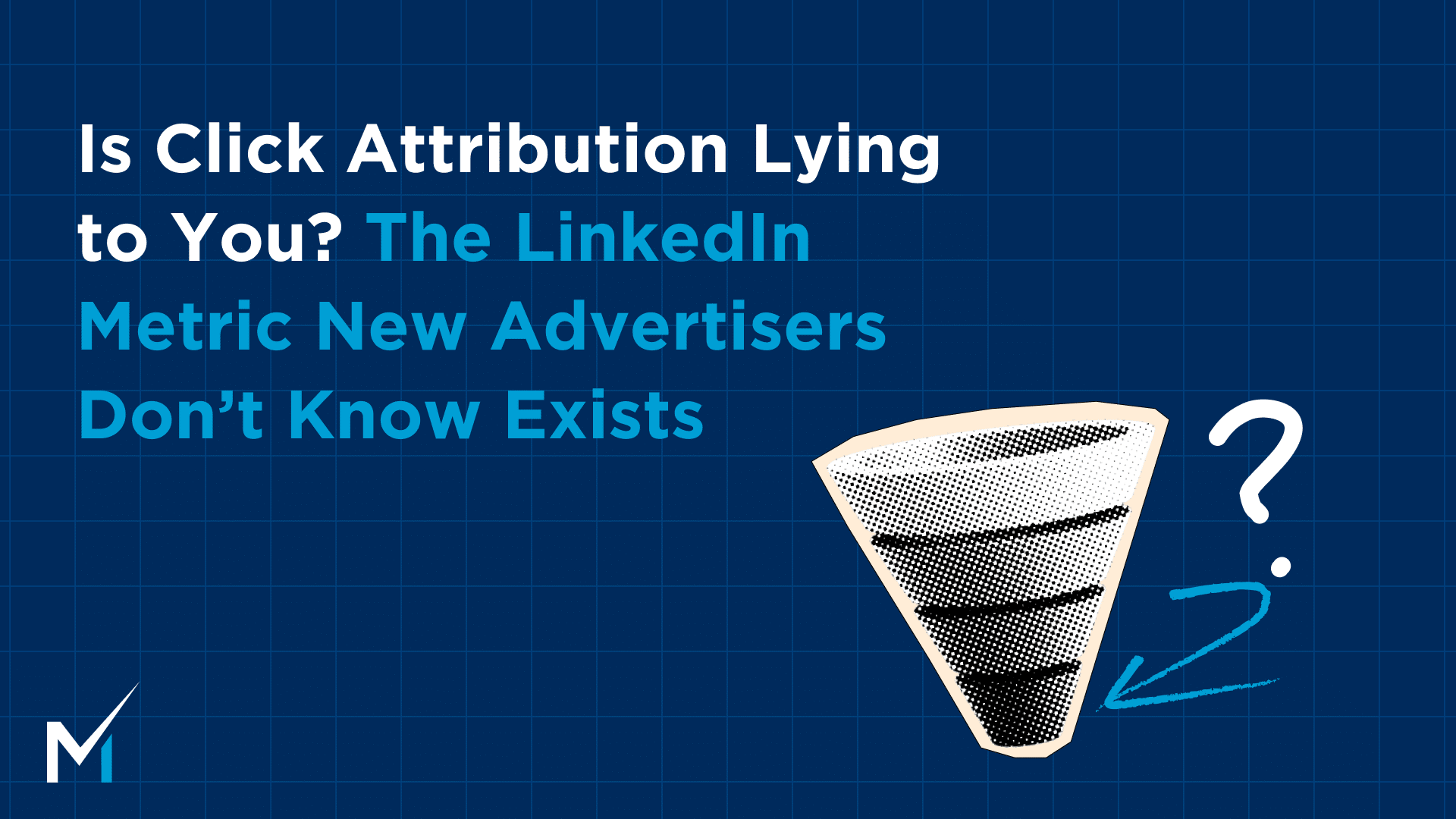
TL;DR: Click attribution has a 30-day window. B2B sales cycles run 3–9 months. The math doesn’t work. LinkedIn’s Revenue Attribution Report shows the influenced pipeline your CRM misses, and it typically runs 3–5x higher than what click attribution captures. This article shows you how to pull it and use it.
We almost let a client cut their entire LinkedIn budget last quarter.
Their CRM showed basically zero pipeline influence from LinkedIn. Leadership was ready to pull the plug. And honestly, the numbers backed them up. I get it.
Then we pulled the influenced account data.
11 companies sitting in active pipeline had seen the ads, visited the site, and ended up in real deals. Zero of them were credited to LinkedIn in the CRM. Not one. (This happens way more than you’d think, btw.)
The attribution window had closed before the sales cycle even got started. By the time a buyer talks to sales, the click is ancient history. LinkedIn gets no credit. Budget gets cut. And the channel that was building pipeline the whole time goes dark.
This isn’t a LinkedIn problem. It’s a measurement problem. And it’s fixable.
Why Click Attribution Fails B2B Buyers
Think about how search attribution works. Someone searches for your product, clicks your ad, fills out a form, and converts, all within a tight window. The whole chain is trackable.
B2B doesn’t work that way.
Buyers orbit for weeks. They see your ads on Monday, do their own research on Thursday, bring it to their team the following week, get budget approved the week after that, and eventually show up on a sales call three months later. No click to track. No direct conversion path. Nothing in the CRM tying that deal back to the six LinkedIn ads they saw before they ever raised their hand.
So the report says LinkedIn did nothing. Meanwhile 11 companies are in pipeline.
Influenced pipeline typically runs 3–5x higher than what click attribution captures. Not slightly higher. Materially higher. That’s the number your leadership is never seeing.
This is exactly why LinkedIn ad data is often wrong by default, not because the ads aren’t working, but because the default measurement model wasn’t built for long B2B sales cycles.
How LinkedIn’s Default Attribution Works (and Where It Breaks)
| Attribution Setting | Default Window | Customizable? | Problem for B2B |
| Click window | 30 days | Yes, 1, 7, 30, or 90 days | Most B2B deals take 3–9 months to close |
| View window | 7 days | Yes, 1, 7, 30, or 90 days | Buyer saw your ad weeks before raising their hand |
LinkedIn lets you extend these windows up to 90 days in Campaign Manager, but even 90-day click attribution doesn’t help when your sales cycle runs 6+ months. The click happened 4 months ago. The view happened 10 weeks ago. Neither is in the attribution window when the deal finally closes.
So the conversion gets attributed to “direct traffic,” or to whatever touchpoint happened to fall inside the window. Your CRM shows LinkedIn contributed nothing. Budget gets cut.
Click attribution was designed for e-commerce and short-cycle consumer purchases. For more on how last-click attribution specifically distorts B2B decisions, why last-click attribution doesn’t work for B2B covers the full picture.
The Three Attribution Models Compared
| Model | What It Measures | Typical Result |
| Click-attributed pipeline | Clicks within 30-day window → conversion | Lowest, almost always understates LinkedIn’s contribution |
| View-through attribution | Ad views within 7 days → conversion | Moderate, still limited for long sales cycles |
| Influenced pipeline | Any account engagement before deal creation | Highest, 3–5x above click-attributed |
Most advertisers only ever look at the first row.
The difference between your click-attributed pipeline and your influenced pipeline is the size of LinkedIn’s true contribution that’s currently invisible to your leadership.
How to Pull the Revenue Attribution Report
Step 1: Connect your CRM to LinkedIn Campaign Manager. HubSpot has a native integration that syncs lifecycle stage data directly into Campaign Manager. Other CRMs typically use Zapier as middleware.
If you want more accurate conversion data than pixel tracking alone, LinkedIn’s Conversion API (CAPI) closes the gaps that happen across devices and sessions, especially important for longer sales cycles. Impactable is also a certified LinkedIn CAPI implementation partner, so if setup feels like a lift, we can handle it.
Step 2: Go to Campaign Manager → Reporting → Revenue Attribution Report.
Step 3: Filter by active pipeline accounts. Focus on this number: how many accounts in your current active pipeline also engaged with a LinkedIn campaign before the deal was created. That’s your influenced pipeline figure.
Step 4: Put both numbers in every report you send to leadership. Click-attributed pipeline + influenced pipeline, side by side. The ratio between the two is your attribution gap, and it’s usually the single most important number in the conversation about whether to continue or cut the program.
What If You Don’t Have CRM Integration Yet?
A lot of new advertisers don’t have this set up on day one, and that’s fine. You can still pull meaningful data from Campaign Manager without CRM integration.
What you can see without CRM integration:
- Engaged company accounts: Campaign Manager shows which company accounts have engaged with your ads (impressions, clicks, site visits), even without form submissions. This is your pre-pipeline signal.
- Website demographics: if LinkedIn Insight Tag is installed, you can see which company types, job titles, and industries are visiting your site from LinkedIn traffic.
- Conversion tracking: pixel-based conversions still fire on form completions and page visits. You lose deal-level data but keep lead-level data.
If you’re also running Google Analytics alongside LinkedIn, how to track LinkedIn ads in GA4 covers the full setup so both sources are reading from the same event data.
What you lose without CRM integration is the deal-level view: which leads progressed to opportunities, which closed, what the influenced pipeline value is. That’s the most powerful data in the report, but it requires the integration.
If you’re on HubSpot, the native LinkedIn integration takes about 20 minutes. Go to HubSpot → Settings → Marketing → Ad Tracking → Connect LinkedIn. Once synced, deal stage data flows automatically into Campaign Manager and the Revenue Attribution Report becomes fully functional.
What to Actually Do with Both Numbers
Once you have both, the report changes entirely.
Not: “We spent $8K and got 12 leads.”
Instead: “We spent $8K, generated 12 leads via click attribution, and influenced 34 target accounts currently in active pipeline, including a $400K deal that engaged with our campaigns 6 times before it closed.”
That’s a report leadership can act on.
Track these monthly:
| Metric | What It Tells You |
| Total influenced accounts | Companies that saw ads and are now in pipeline |
| Total influenced pipeline value | Revenue LinkedIn is touching that CRM doesn’t show |
| Closed-won with LinkedIn engagement | Actual revenue you can trace back |
| Influenced-to-click-attributed ratio | The size of your attribution gap over time |
As your retargeting pool builds, that influenced pipeline number should grow even as your CPL drops. That trend, tracked month over month, is the story of a program compounding.
Once you have the report set up, the next question is usually what “normal” looks like in month one before influenced pipeline has had time to build. What month one actually looks like covers exactly that.
Why New Advertisers Get This Wrong
The most common mistake: making a go/no-go decision at 30 days, based entirely on click-attributed data.
Month one click attribution almost always looks underwhelming. That’s not a signal. That’s the math of a 3–9-month sales cycle running into a 30-day reporting window.
Before you change your budget, change your targeting, pause campaigns, or walk into a “LinkedIn isn’t working” meeting, do two things:
- Pull the Revenue Attribution Report and check influenced pipeline, not click-attributed.
- Check your campaign demographics in Campaign Manager. If your ICP is VP of Marketing at SaaS companies with 50–500 employees and you’re running heavy on IC-level titles at the wrong company sizes, you have a targeting problem, not a channel problem. That’s fixable in a day.
The channels that get cut prematurely almost always have one thing in common: nobody pulled the second number. For a full list of attribution mistakes B2B marketers make, 9 attribution mistakes to avoid covers them all, with fixes.
How to Present This in a “LinkedIn Isn’t Working” Meeting
If you’ve already had this meeting, or you know it’s coming, here’s the framing that changes the conversation.
Don’t defend the channel. Show the full picture.
What most marketing teams say: “LinkedIn attribution is complicated. The sales cycle is long. The click data doesn’t capture everything.”
Leadership hears: excuses.
What actually works: “Here are two numbers. The click-attributed pipeline from LinkedIn is $X, that’s what the CRM shows. The influenced pipeline (accounts that engaged with our ads before a deal was created) is $Y. The difference is what LinkedIn contributed that our current measurement setup can’t see.”
Then show the list. Not a summary. The actual companies. “These 11 accounts are in active pipeline right now. They engaged with our ads before a deal was opened. None of them are credited to LinkedIn in the CRM.”
Named accounts land differently than percentages. Leadership can look at that list and see whether those are real target accounts. That’s a very different conversation than arguing over attribution methodology.
The metrics to put side by side every time you report:
| Metric | How to Get It | Why It Matters |
| Click-attributed pipeline | CRM default | What leadership is currently seeing |
| Influenced accounts in pipeline | Revenue Attribution Report | LinkedIn’s actual footprint |
| Influenced pipeline value | Revenue Attribution Report | Revenue LinkedIn is touching |
| Closed-won with LinkedIn engagement | Revenue Attribution Report | The number that ends the debate |
The ratio between click-attributed and influenced pipeline is your attribution gap. For most B2B programs it runs 3–5×. Showing that ratio every month, and watching it grow as the retargeting pool builds, is the story of a program that’s working.
The Attribution Gap Is a Leadership Problem, Not Just a Measurement One
Most marketing leaders are being evaluated on metrics designed for a different category of purchase. CRM click attribution made sense for e-commerce. It makes almost no sense for B2B software deals that take 6 months and involve 6 stakeholders.
Arguing that attribution is complicated doesn’t fix anything. Showing the full picture, click-attributed and influenced, every single time you report, does. Over time, the gap between those two numbers tells the story better than any argument.
The ads didn’t fail. The report failed.
Pull the second number. Show the full picture. That’s how you protect a LinkedIn program that’s actually working.
And if you want help getting the CRM integration set up and the Revenue Attribution Report running, book a strategy call, it’s usually the first thing we configure with new clients.